
Delete Context
Not currently available
To delete a context item, navigate to the edit view and click Delete in the top-right corner.
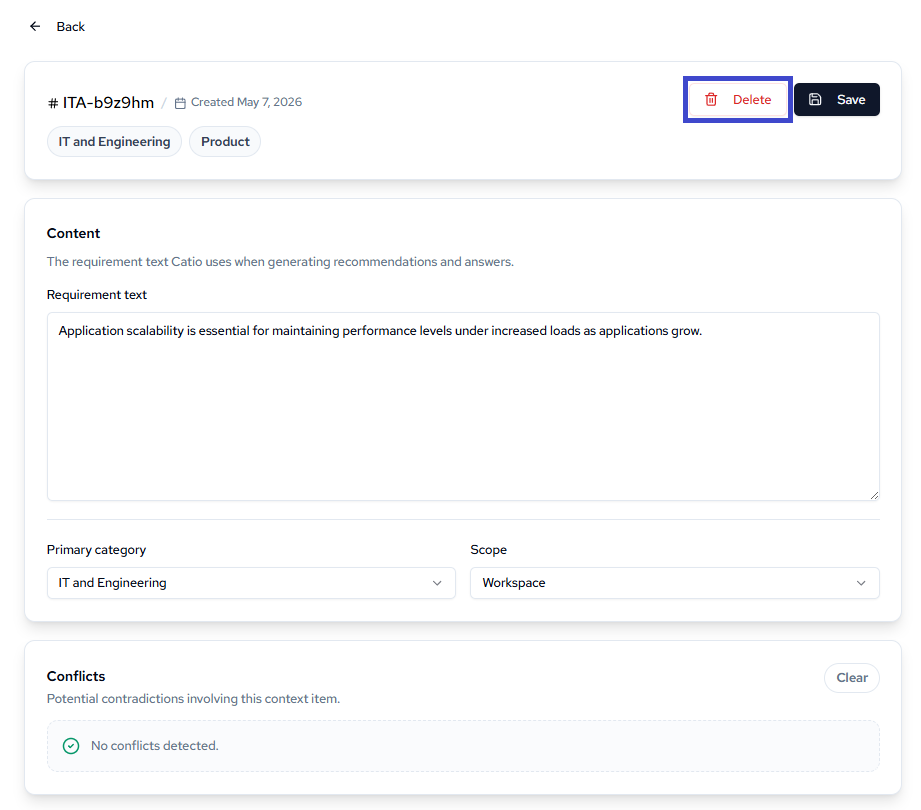
A confirmation modal will appear. Click Delete to permanently remove the context item, or Cancel to keep it.
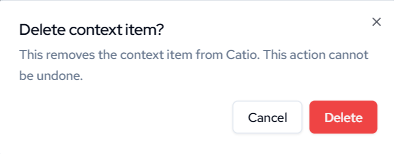
Deleting a context item cannot be undone. Once removed, the item is no longer used when Catio generates recommendations and answers.
Updated 13 days ago