

Teams
Group users into teams so workspace access is granted once per team rather than per person.
The Teams tab in Settings lets you group users together so workspace access can be granted once per team rather than per individual user. The page lists each team's name, members, and available actions.

Create a team
To create a team:
- Click New Team in the top right.
- In the Create Team modal, enter a Team name.
- Under Members, search for users or check the box next to each user you'd like to add.
- Click Create Team.
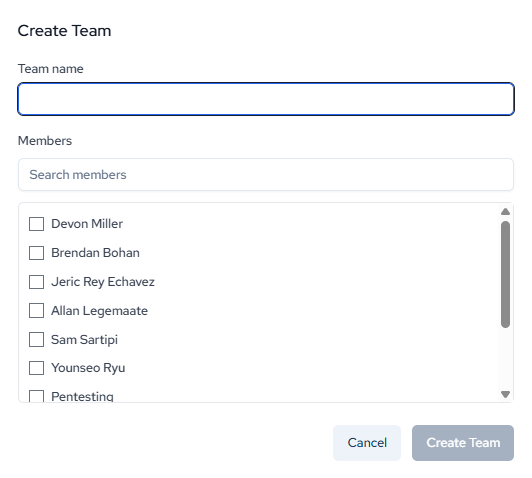
Once created, the team will appear in the Teams list and can be assigned to private workspaces.
Updated 4 days ago
Did this page help you?