

Diagrams
Catio's live model of your architecture as it actually runs, built from your integrations.
Stacks is not a diagramming tool. It is Catio's live model of your architecture as it actually runs, and it is the constraint set every recommendation, design, and answer gets checked against.
That distinction is the whole point. A diagram drawn by hand records what someone believed on the day they drew it, and it starts drifting the moment it is saved. Catio builds this one from your subscribed integrations, so what you are looking at is the system as it runs now rather than as it was once designed.
This is the constraints layer of Workspace Context: the feasible region Catio optimizes inside. You do not write it and you cannot get it wrong by hand. What you control is which integrations feed it, and therefore how complete it is. An architecture model missing a whole class of systems does not produce obviously broken recommendations. It produces confident ones with a blind spot.
Diagrams are Catio-generated views that map your subscribed integrations into a live architecture model. Catio ingests the data and builds out services, relationships, and configuration details so you can explore an inherited representation of your stack, with no manual modeling required.
Accessing Diagrams
Navigate to Stacks in the workspace sidebar to access the diagrams section.
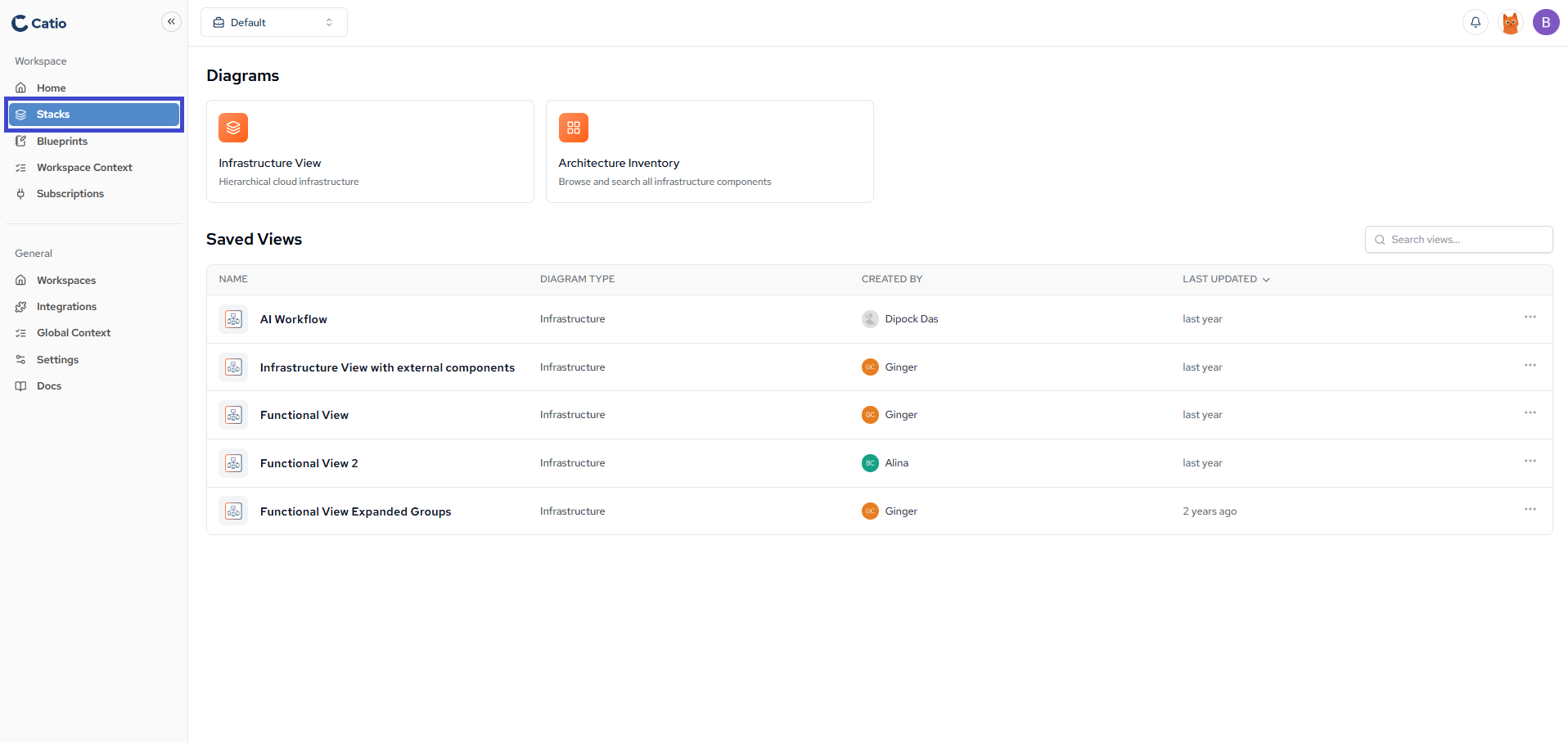
Diagram Types
The two types answer different questions. Pick by what you are trying to find out.
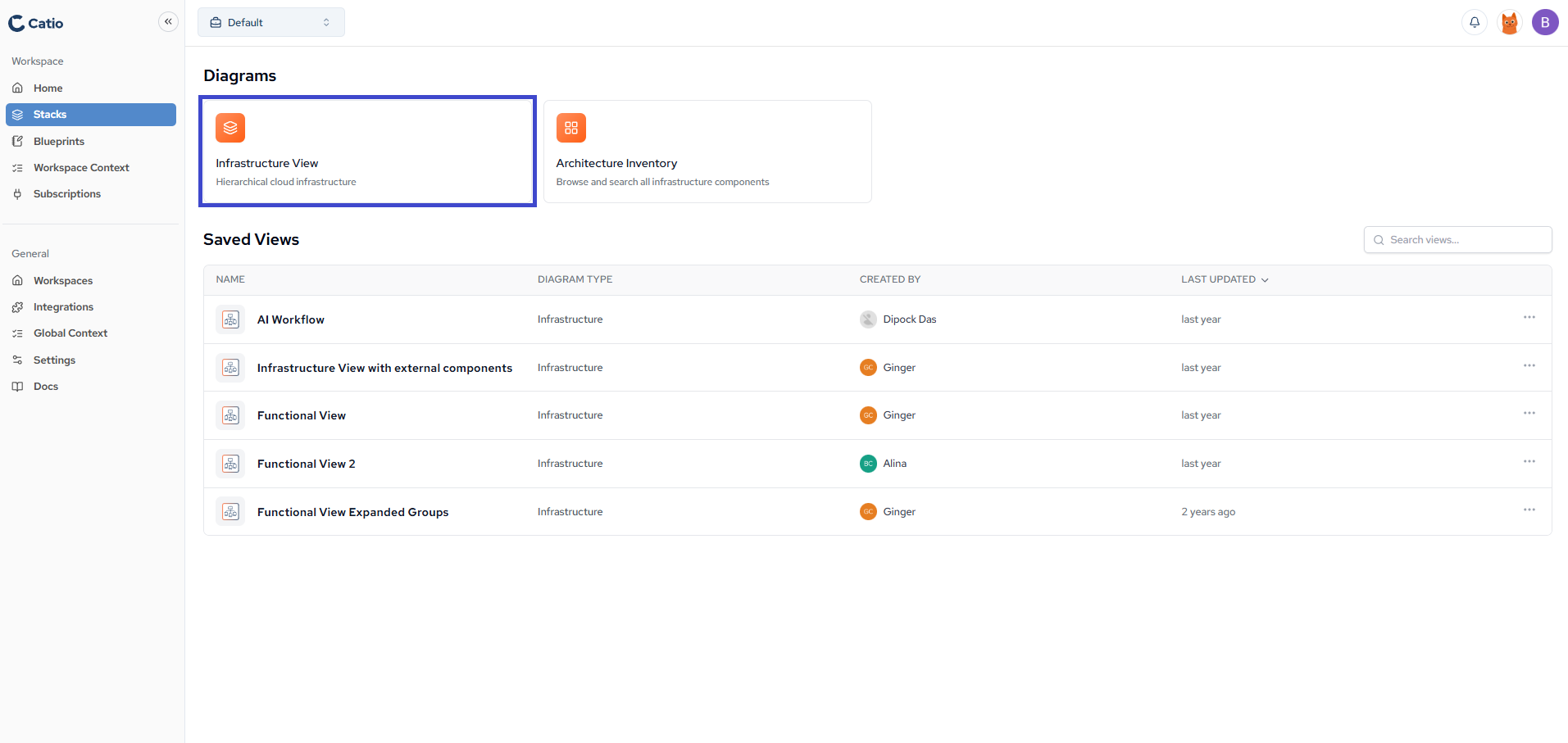
Infrastructure View
Displays hierarchical cloud infrastructure organized by service relationships and dependencies. Use it when the question is about how things connect: what depends on what, and how far a change would reach.
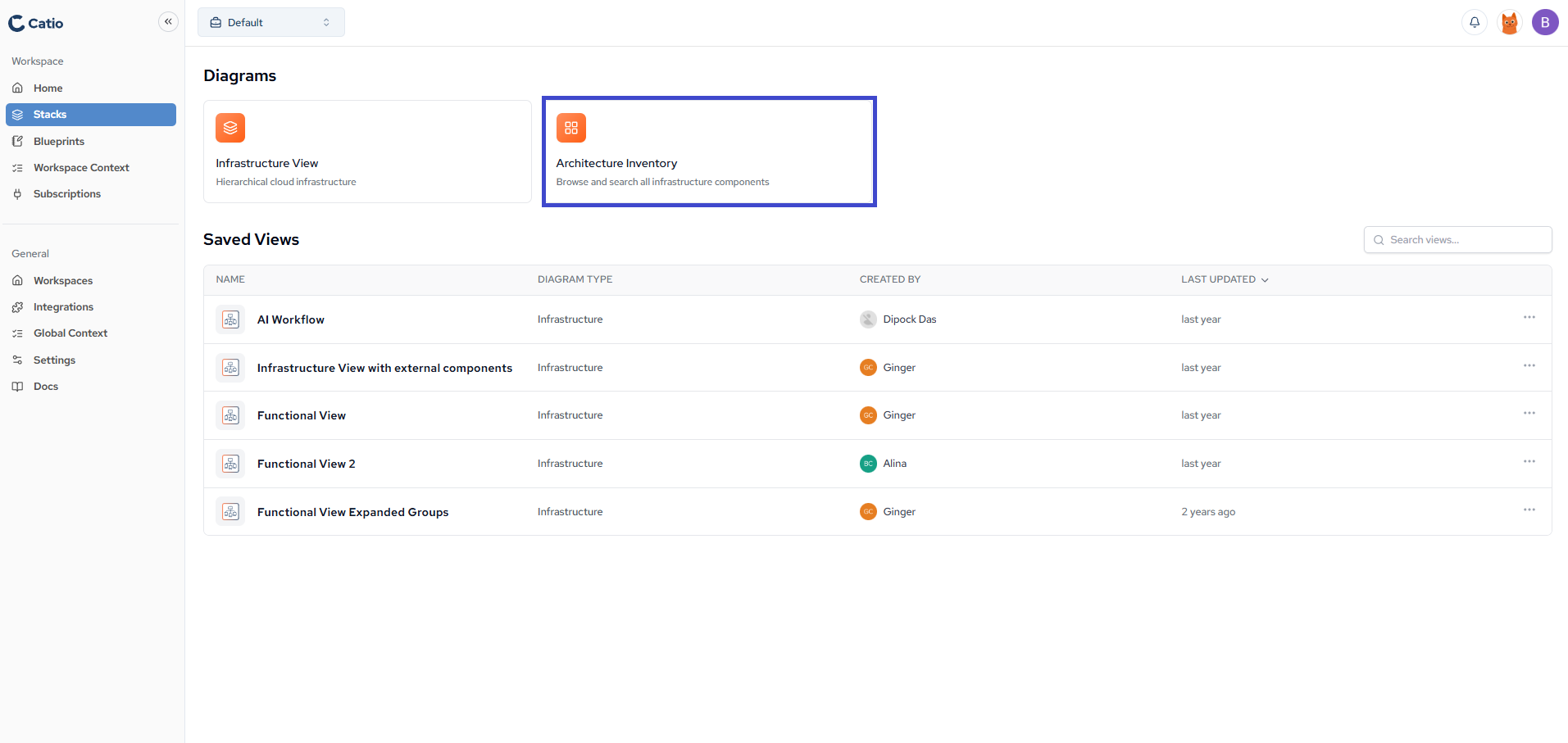
Architecture Inventory
Browse and search all infrastructure components in a searchable list format. Use it when the question is about existence and coverage: whether you have any of something, and where it lives.
Working with Diagrams
Select either diagram type to begin exploring. When a particular perspective proves worth returning to, save it as a view, which is also how you scope blueprint generation to one part of your architecture.
Next
Put this to work in Using Stacks to Investigate Your Architecture.
Updated about 1 month ago