

Configure an Integration
Connect a new system to Catio.
Configuring an integration is where you decide three things that shape the model: which credentials it reads under, how often it refreshes, and which workspaces receive the data. The third is a subscription, and it is what keeps one workspace's architecture from bleeding into another's.
Scope the credentials to what the workspace is actually about. An integration that reads more than the workspace's boundary produces a model that is broader than the questions being asked of it.
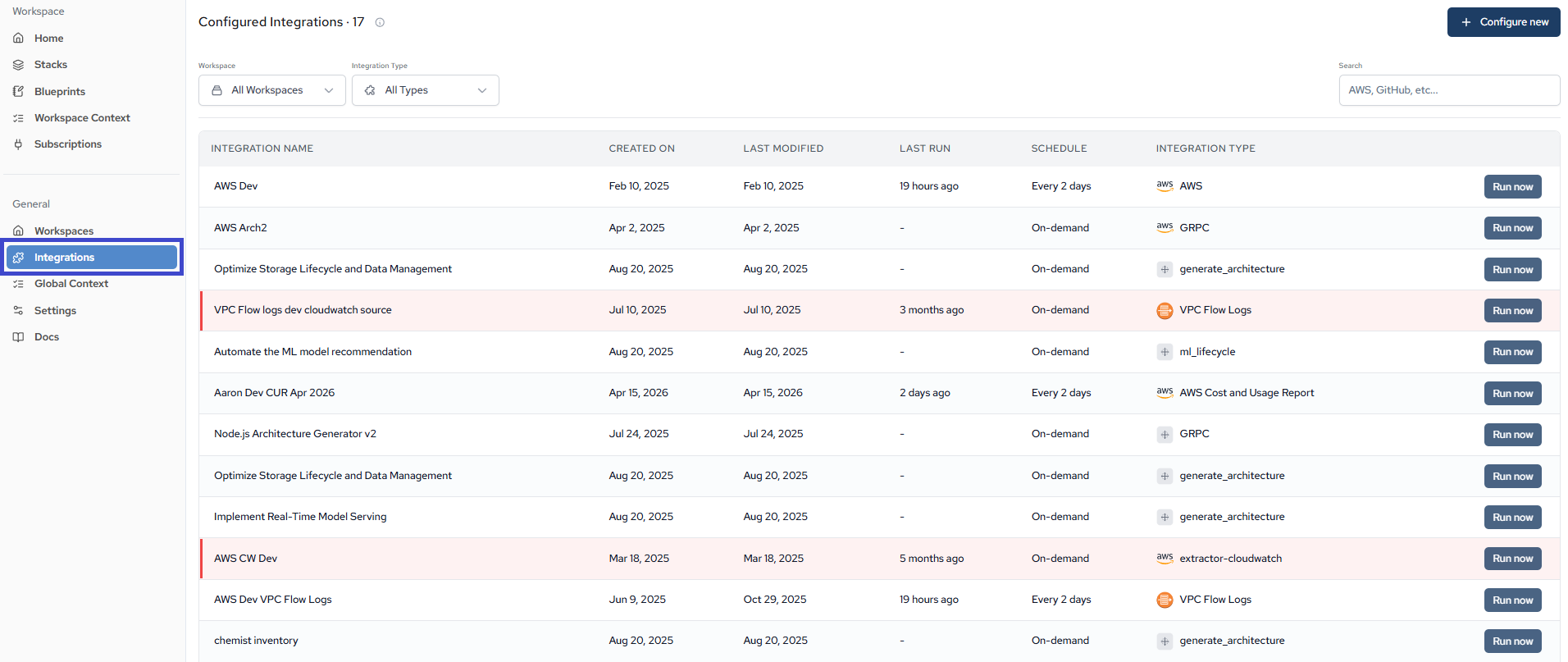
- Click Integration Tab: Navigate to Integration page.
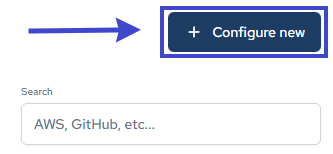
- Create a new Integration: Click on the "Configure New" button. This will open a form where we will walk you through the process of setting up your integrations.
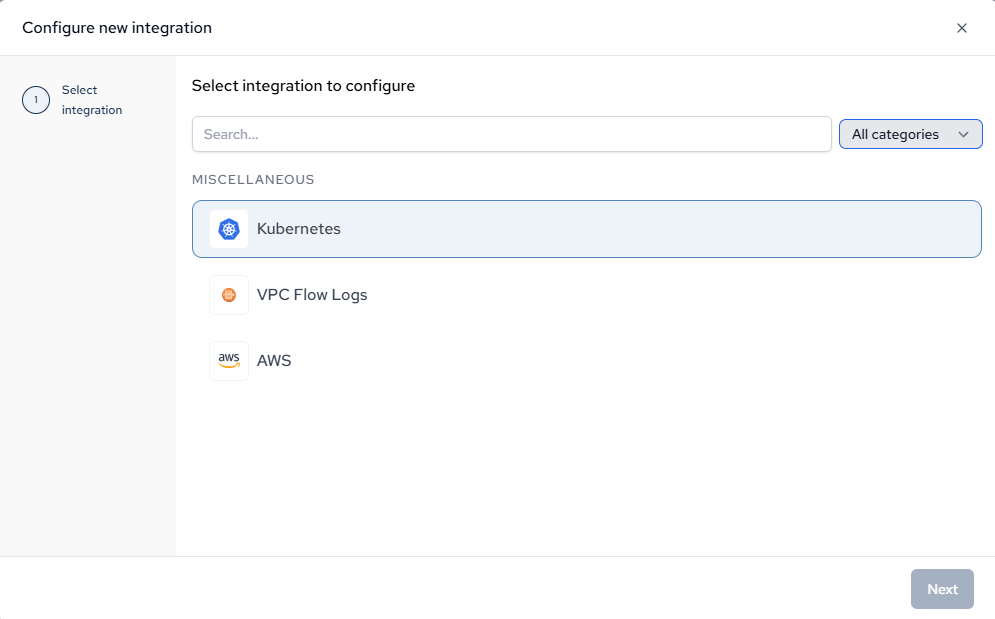
- Choose Integration: Select the integration you want to configure from the search bar.
- Set up the Integration: From here, Catio walks you through the rest of setup.
Updated about 1 month ago
Did this page help you?