

Infrastructure View
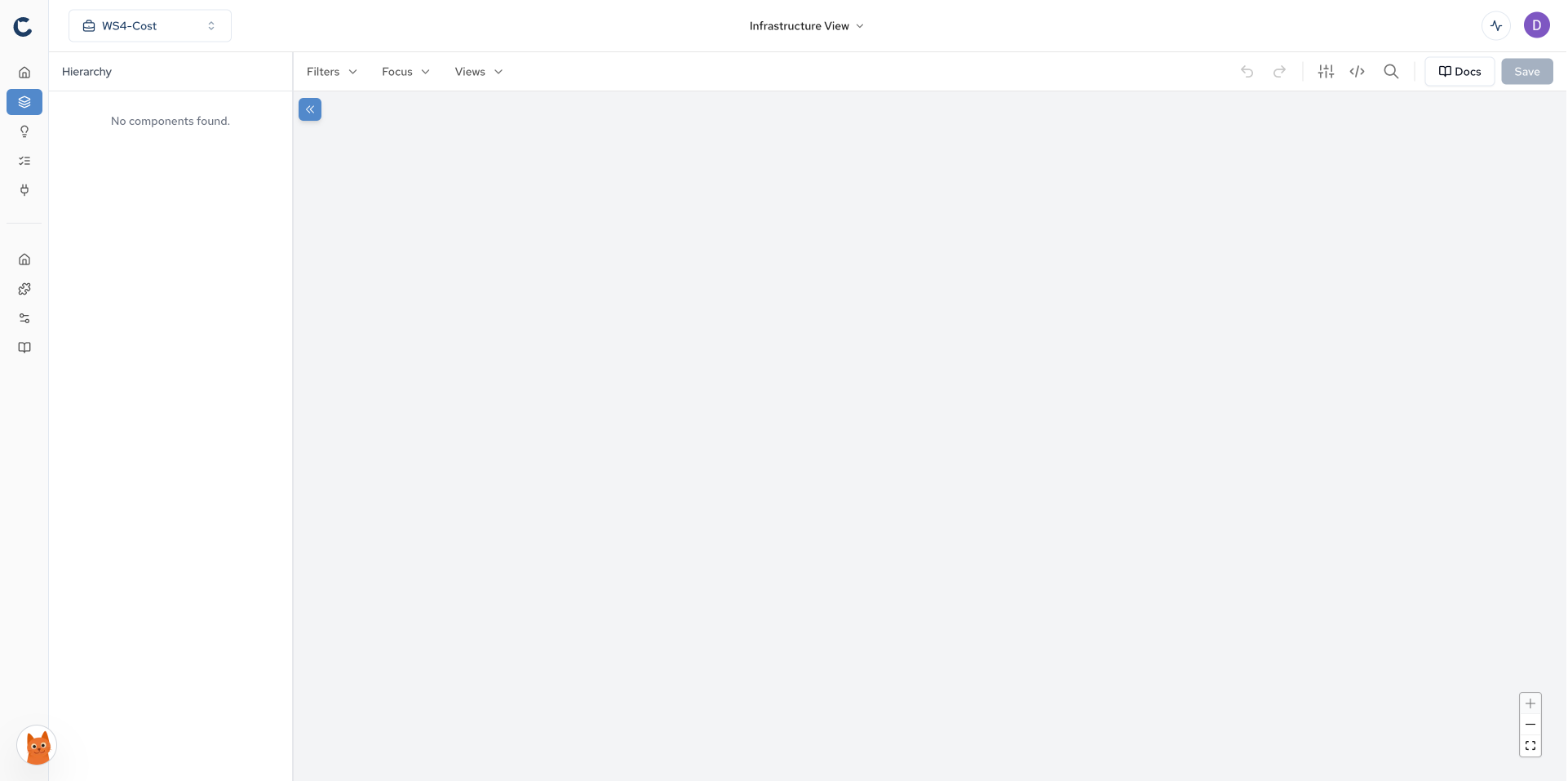
The Infrastructure View displays your cloud architecture in a hierarchical diagram format.
The hierarchy is doing more than organizing the picture. Reading a component's place in the tree is how you see coupling and blast radius: what depends on this, and how far a change to it would travel. For what the Stacks model is and where it comes from, see Diagrams.
Interface Elements
Component Tree
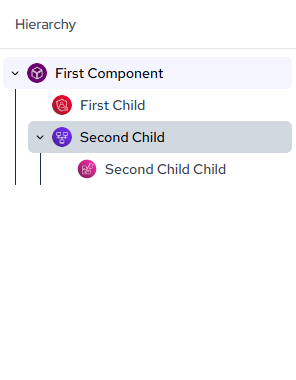
The left sidebar displays your infrastructure components organized in a hierarchical tree structure. Each node is expandable, so you can drill into a specific account, region, or service without leaving the sidebar. Clicking a node in the tree will highlight and center that component on the canvas.
Toolbar
- Filter: Show or hide specific component types or tags. Use this to remove noise from your diagram when you only care about certain resource types.
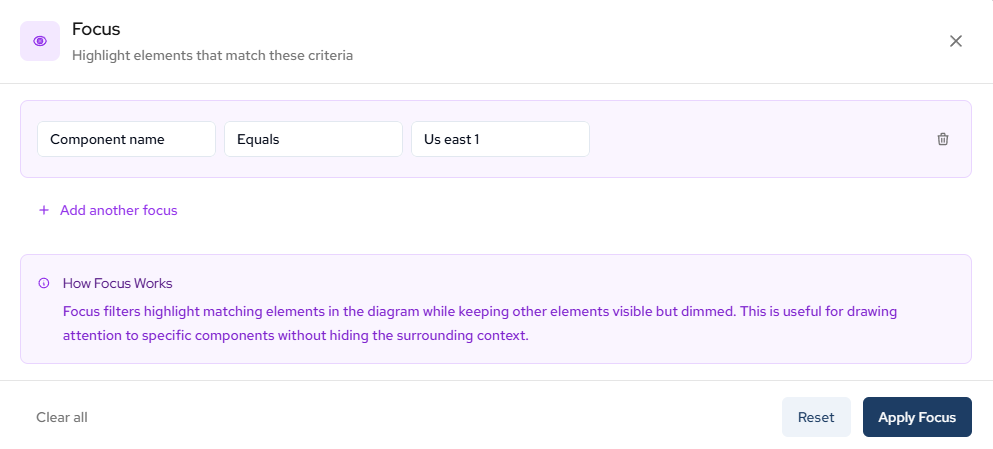
- Focus: Emphasize specific component types or tags. Unlike Filter, Focus keeps the surrounding context visible but dims everything outside your selection, so you don't lose spatial orientation.
- Views: Switch between saved views. If your team has pre-configured views for specific workflows (e.g., "Networking Only" or "Production Services"), you can access them here.
- Undo/Redo: Revert the previous action taken on the canvas.
- Code Switcher: Toggle between the visual diagram and a code representation of your architecture.
- Search: Search your architecture to locate specific infrastructure components by name.
- Docs: Navigate to Catio Docs if you get stuck.

Navigation
- Pan: Click and drag the canvas to move around your infrastructure diagram.
- Zoom: Use mouse wheel or pinch gesture to zoom in and out of the diagram.
Use Case: Narrowing Down Your View
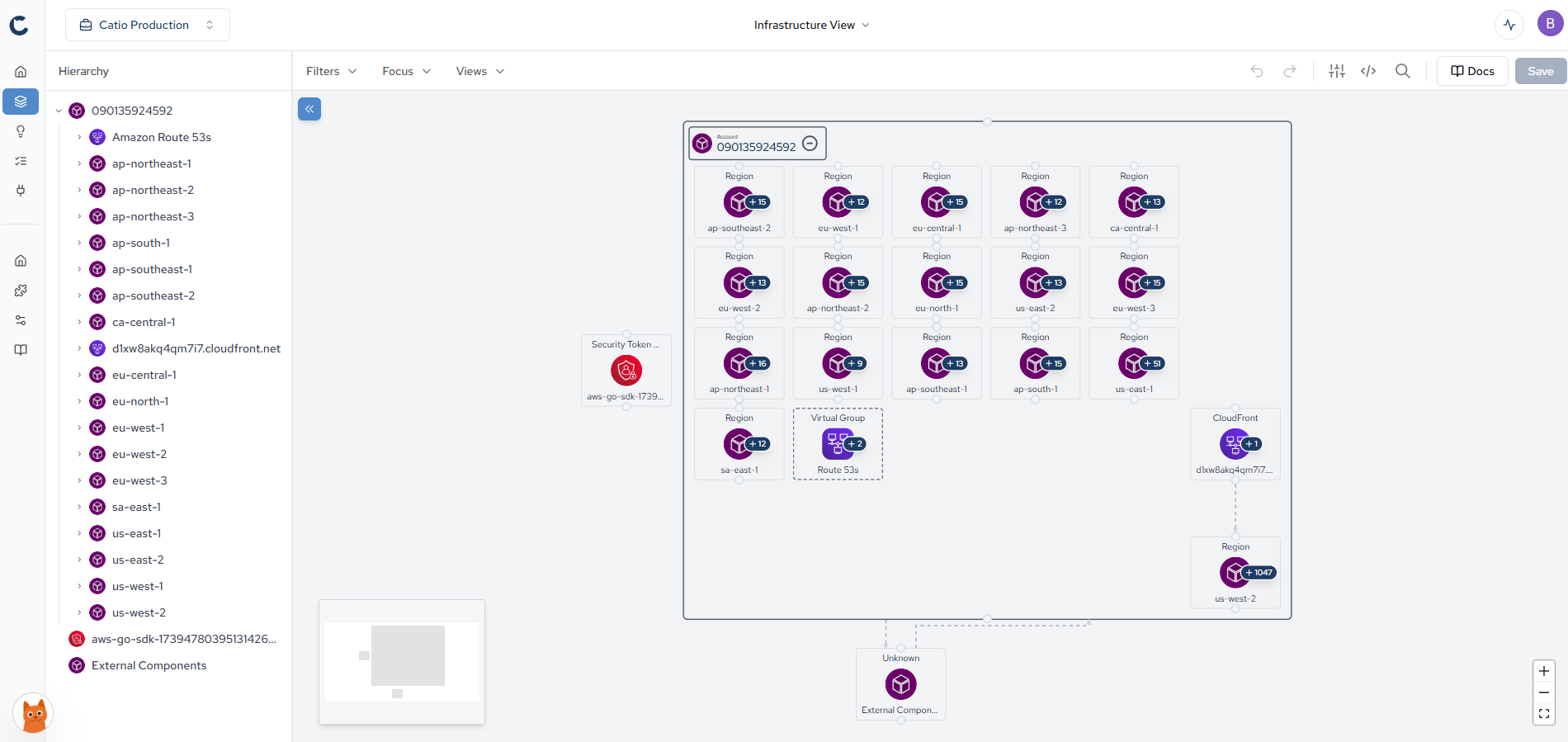
The default Stacks diagram shows your entire infrastructure at a glance. This is great for getting a high-level picture, but it can get noisy when you're trying to focus on a specific area. For example, say you need to investigate what's running in us-east-1 because your team flagged an unexpected cost spike in that region. Rather than scrolling and zooming through the full diagram, you can use the Focus toolbar option to isolate just that region and its child components.
Before (full infrastructure view):
Adding Focus:
After (filtered to us-east-1):
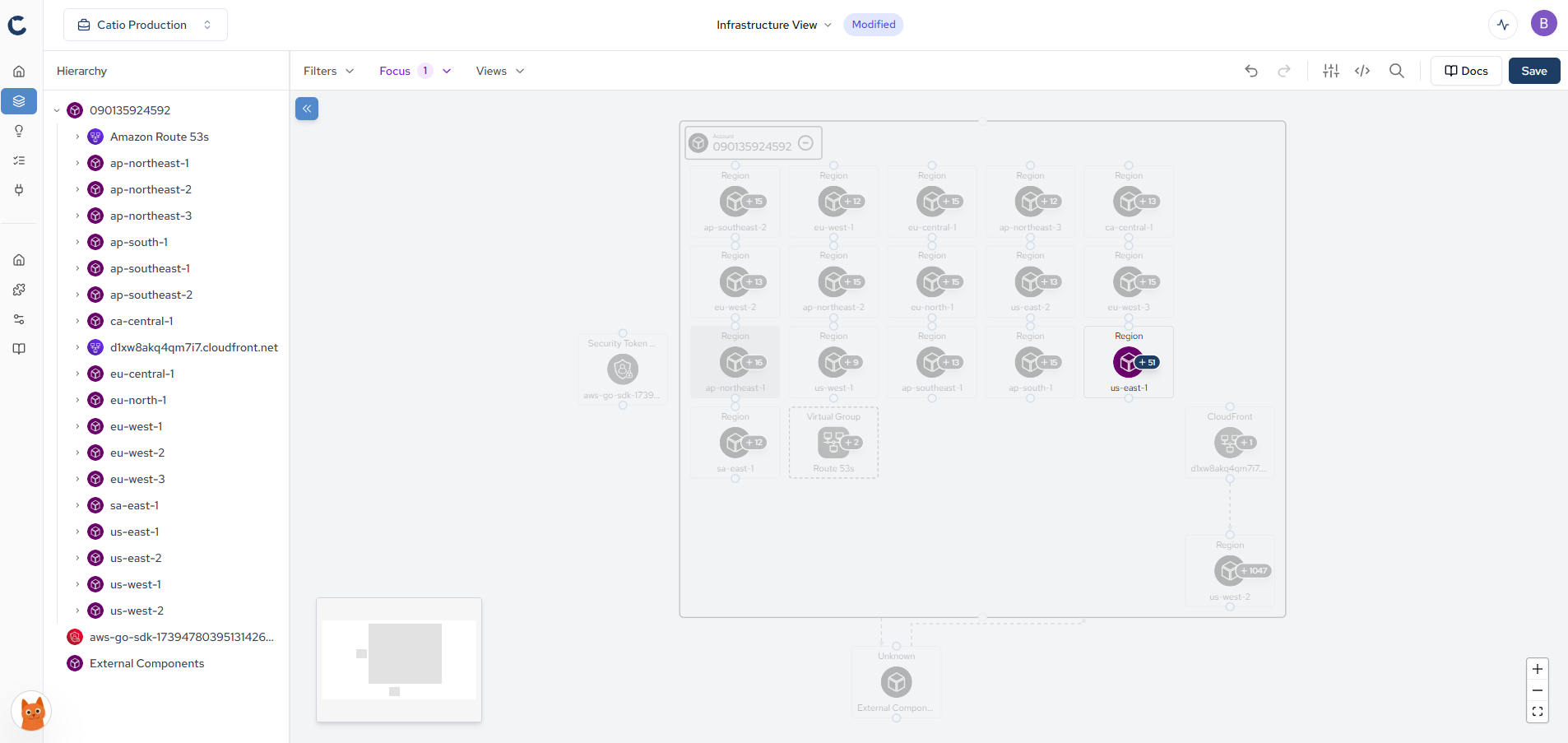
You will then see a "Modified" Tag at the top. To ensure you are looking at the right component. More specifically, the right component you added a focus on.
Updated about 2 months ago