

Users
Manage people in your organization and assign roles.
The Users tab in Settings lets you manage everyone in your organization and assign roles to control their access permissions. The page lists each user's name, email, and status, with a count of total users at the top.
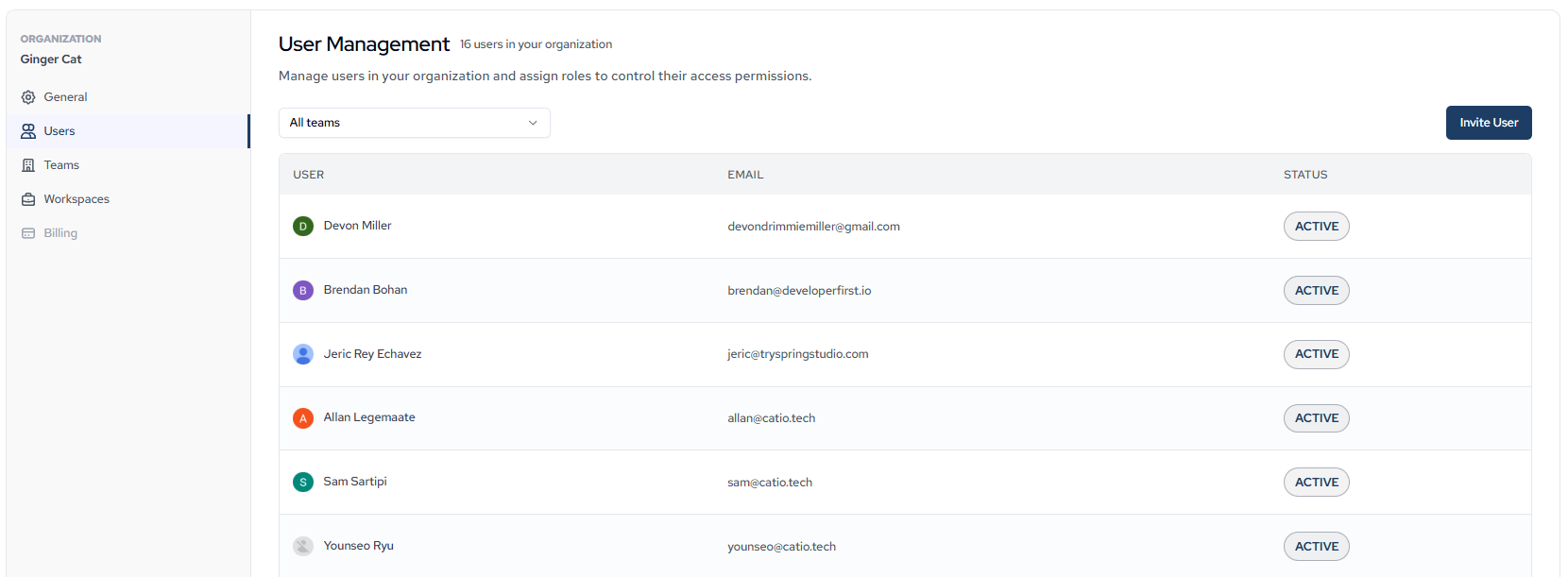
Use the All teams dropdown to filter the list by team, or click Invite User to add a new user to your organization.
Edit a user's role
To edit a user:
- Click the user's row in the list.
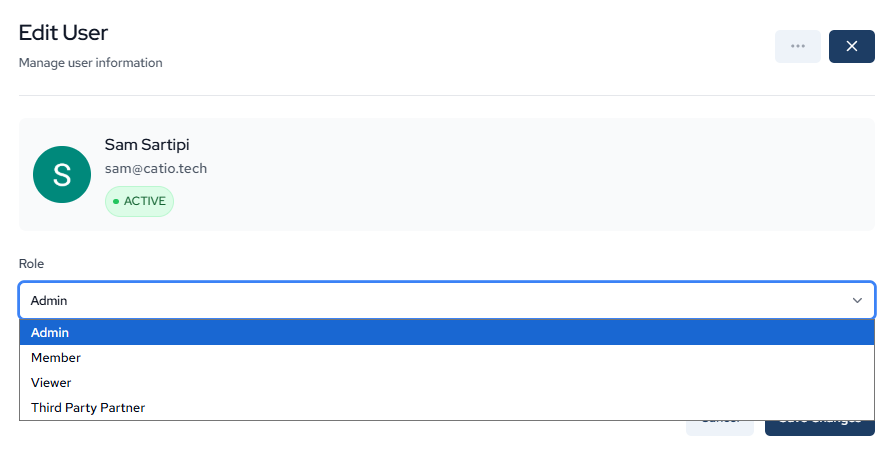
In the Edit User modal, select a role from the Role dropdown.
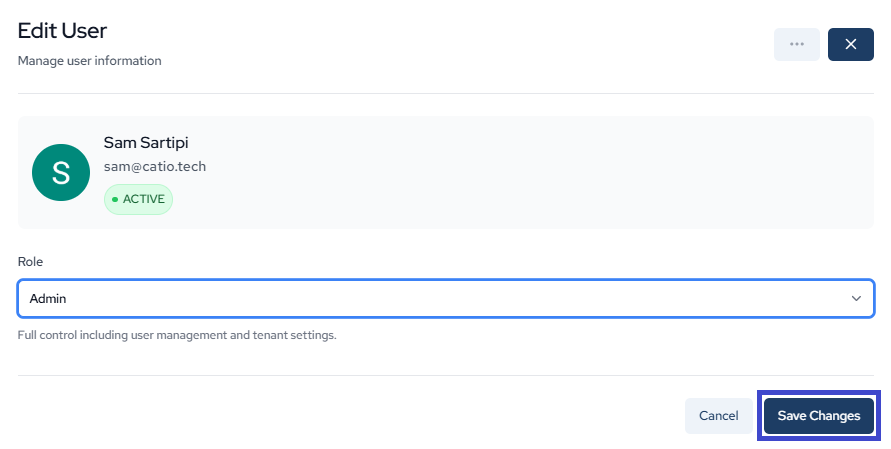
Click Save Changes.
User roles
Catio supports four user roles:
- Admin: Full control, including user management and tenant settings.
- Member: Read and write access to everything. No access to user roles, organization settings, or inviting members.
- Viewer: Read-only access.
- Third Party Partner: Same access as Member, except no access to the Context module.
Updated about 1 month ago
Did this page help you?