

Enable/Disable a Subscription
Control which integrations contribute data to your workspace.
Toggling a subscription changes what future output is grounded in. Enabling one widens the architecture a workspace reasons over; disabling one narrows it, without touching the integration itself or any other workspace using it.
This is the reversible way to adjust a workspace's scope — prefer it over deleting the integration.
Subscription List View
From the subscriptions list, view all available integrations and their current subscription status.
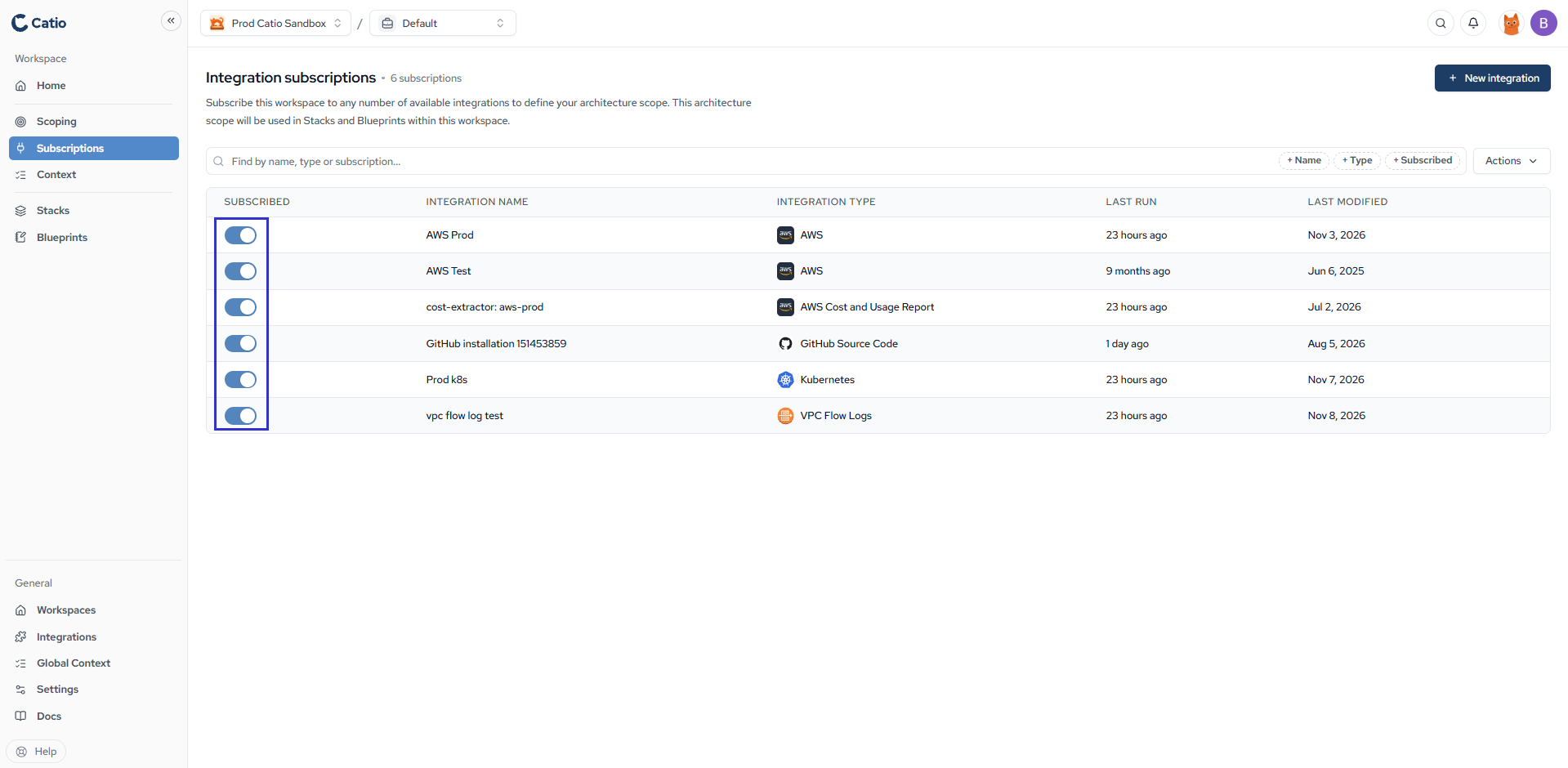
Toggle the subscription switch for any integration to enable or disable it for the current workspace.
Subscribe to everything at once
On the workspace's Subscriptions page, open Actions and choose Subscribe to all integrations or Unsubscribe from all integrations.
Updated 9 days ago
Did this page help you?