

Delete an Integration
Remove integrations from your Catio workspace.
Deleting an integration removes a source of ground truth. The components and relationships it contributed stop being refreshed, so anything scoped to them — saved Views, and designs generated against that part of the estate — no longer reflects a live source.
If the goal is only to stop a system feeding one workspace, disable its subscription instead. That is reversible; deletion is not.
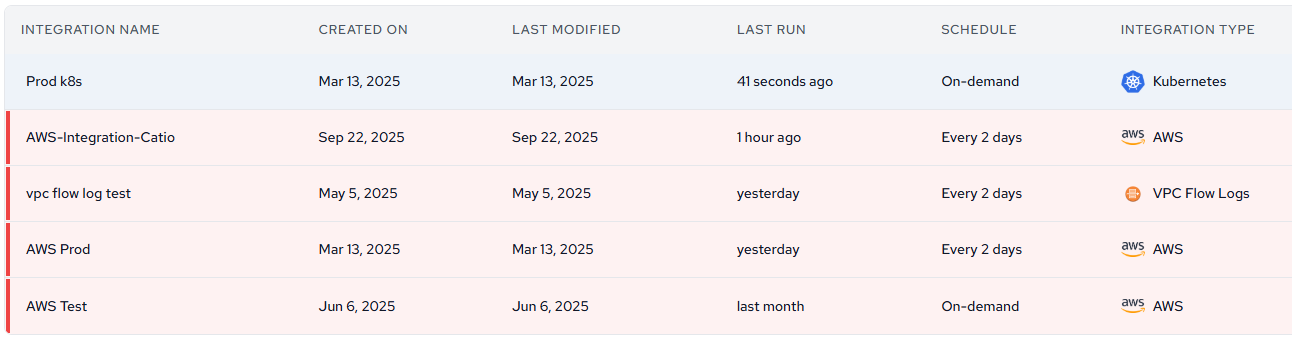
Integration List View
From the integrations list, select any integration to access its configuration details.
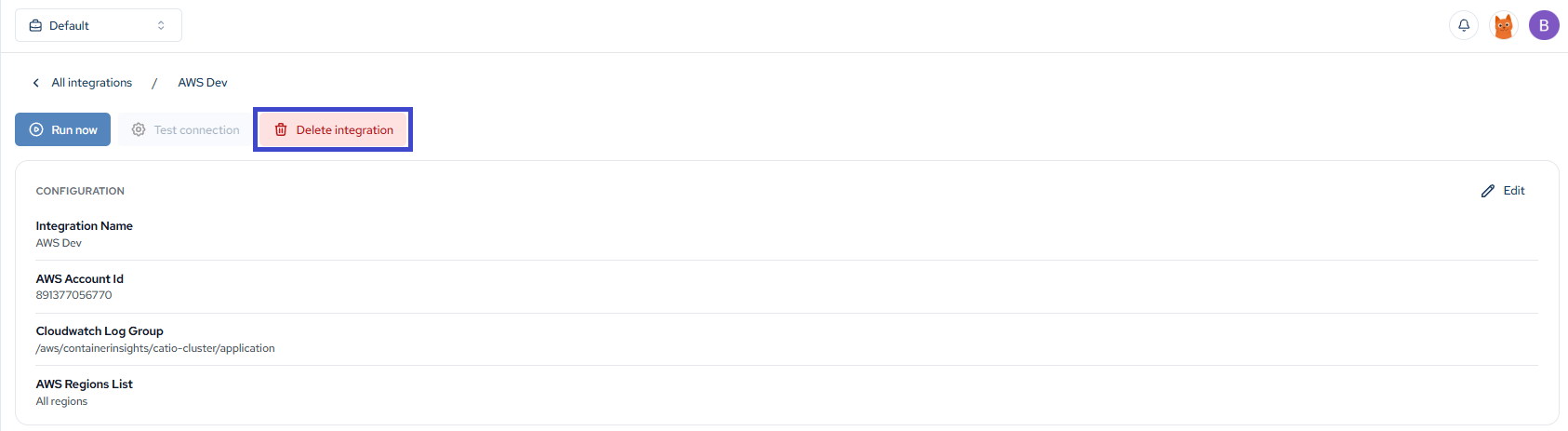
Deleting an Integration
Once inside an integration, click the Delete integration button to remove it permanently.
Updated about 1 month ago
Did this page help you?