

General
Your organization’s core details in Settings.
The General page in Settings holds your organization's details.
- Organization name: the display name for your organization in Catio.
- Company domain: your company's domain. The organization name and domain are used as the defaults when creating a new workspace.
- Organization logo: click Upload. Images are cropped to a square and resized to 512x512 px. Supported formats are
.png,.jpg, and.jpeg.
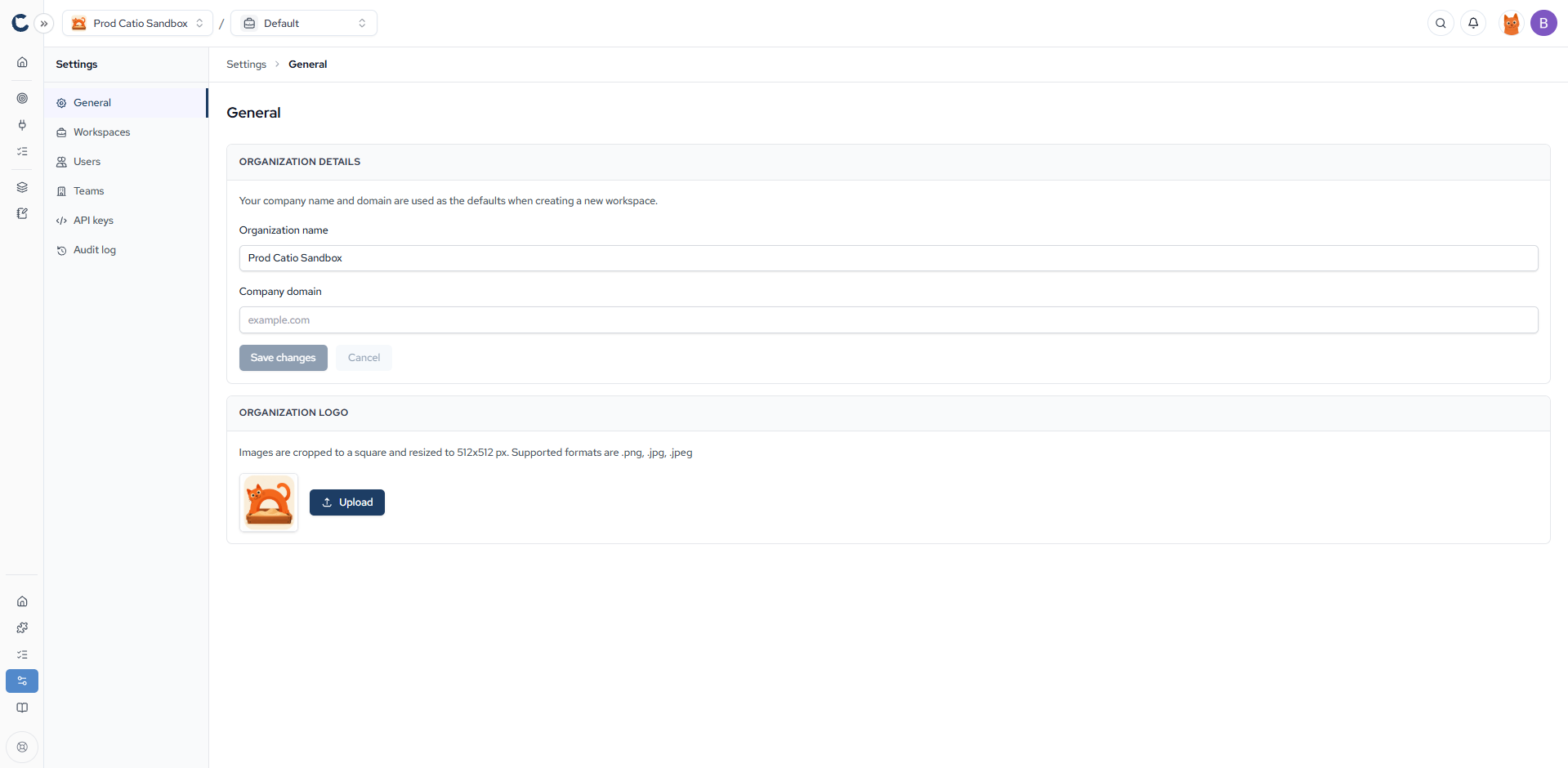
Click Save changes to apply edits to the organization details.
Updated 9 days ago
Did this page help you?