

View Workspace Context
Audit what Catio is actually reasoning from, and trace each entry back to its source.
Viewing context is how you audit what Catio is actually reasoning from. When a blueprint looks wrong, the cause is usually context rather than analysis: something missing, something stale, or something contradicting itself. This page is where you check. For the full picture, see What is Workspace Context?.
Search for Context
Navigate to the Workspace Context page and use the search bar to find specific context items by keyword. You can search across all categories (e.g., security constraints, latency goals, compliance needs) or click one of the suggested category chips to quickly filter results.
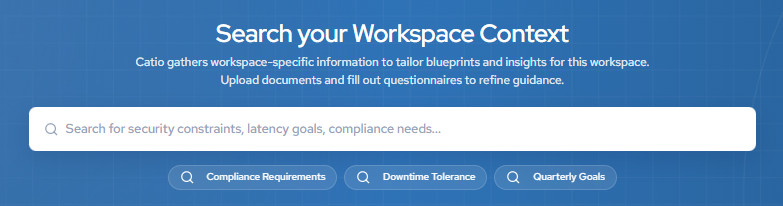
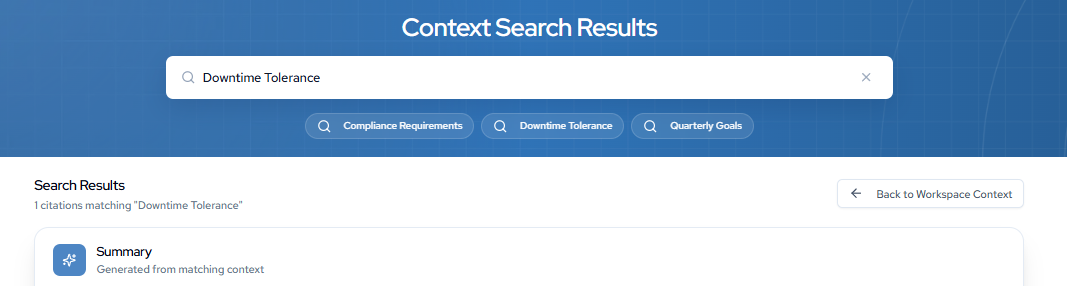
Search results display each matching context item with its associated category and scope tags, making it easy to locate the exact information driving your blueprints and insights.
Review Sources
Scroll to the Sources section to see the uploaded documents and manual entries that context has been extracted from. Each source displays its name, upload date, and the number of context items extracted from it.

This view helps you trace context back to its origin, so you can verify where specific information came from or remove a source if it is no longer relevant.
Tracing matters most when a document has been superseded. A strategy deck from two planning cycles ago still counts as your stated objective until someone removes it, and Catio has no way to know it is out of date. The Sources list is where that gets caught.
Updated about 2 months ago