

Add Workspace Context
Add business and technical context to your workspace through manual text entries or document uploads.
Adding context is the step where you decide what Catio optimizes toward. Each document or entry you add becomes part of the objective and the steering that every future blueprint, plan, and answer in this workspace is generated against, so what you leave out matters as much as what you put in. For the full picture, see What is Workspace Context?.
Accessing Add Context
Click the Add Context button next to the Sources Section
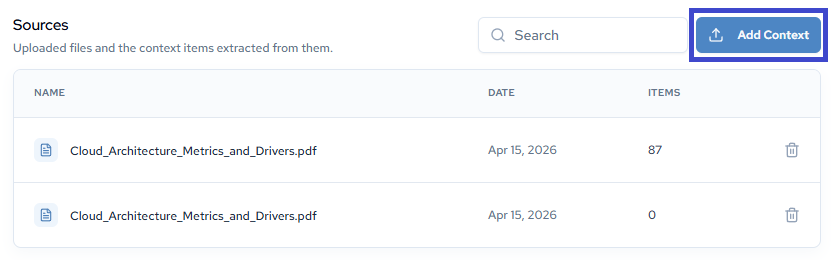
Adding Context Methods
File Upload
Upload business documents, requirement specifications, or files containing organizational context. See supported file types here.
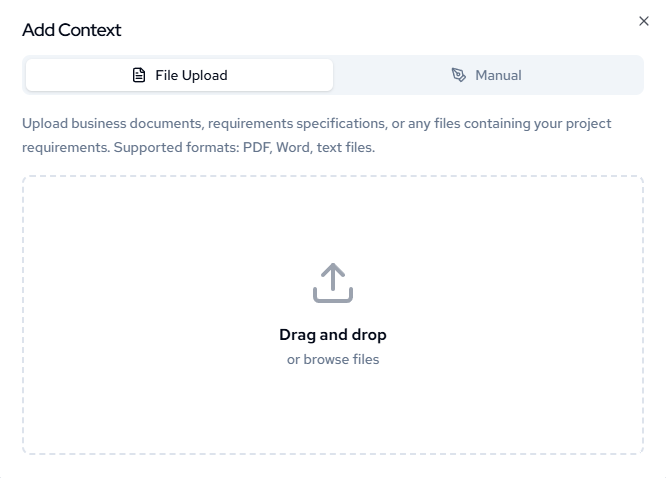
Drag and drop files or browse to select documents from your computer.
Uploads are the fastest way to bring in the objective layer: strategy documents, product roadmaps, budget constraints, and security policies you have already written elsewhere.
Manual Entry
Enter context descriptions directly using the text input field. Describe requirements, constraints, or business objectives.
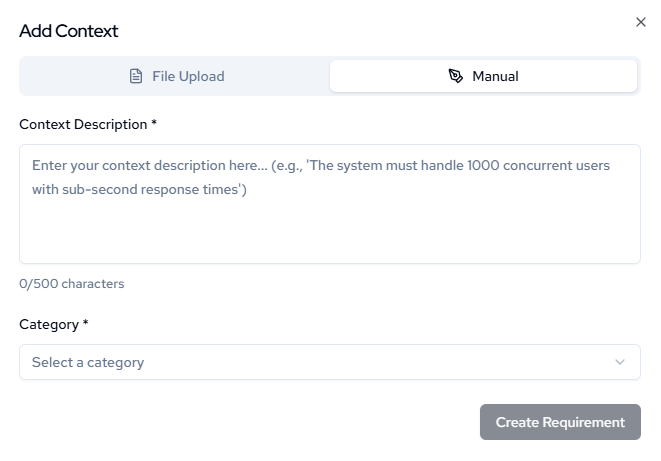
Select the appropriate category and click Create Requirement to save your context entry.
Manual entry is where the steering layer usually comes from. Settled trade-offs, approved patterns, and the paths your organization has ruled out tend not to exist as documents, because they live in the heads of the people who decided them. Writing one down here is what moves it out of tribal knowledge and into the system.
Note: You must select a category. Whether that be during the process above or clicking the category before adding documents.
Updated about 2 months ago