

Welcome to Catio
What Catio is, who it is for, and where to go next.
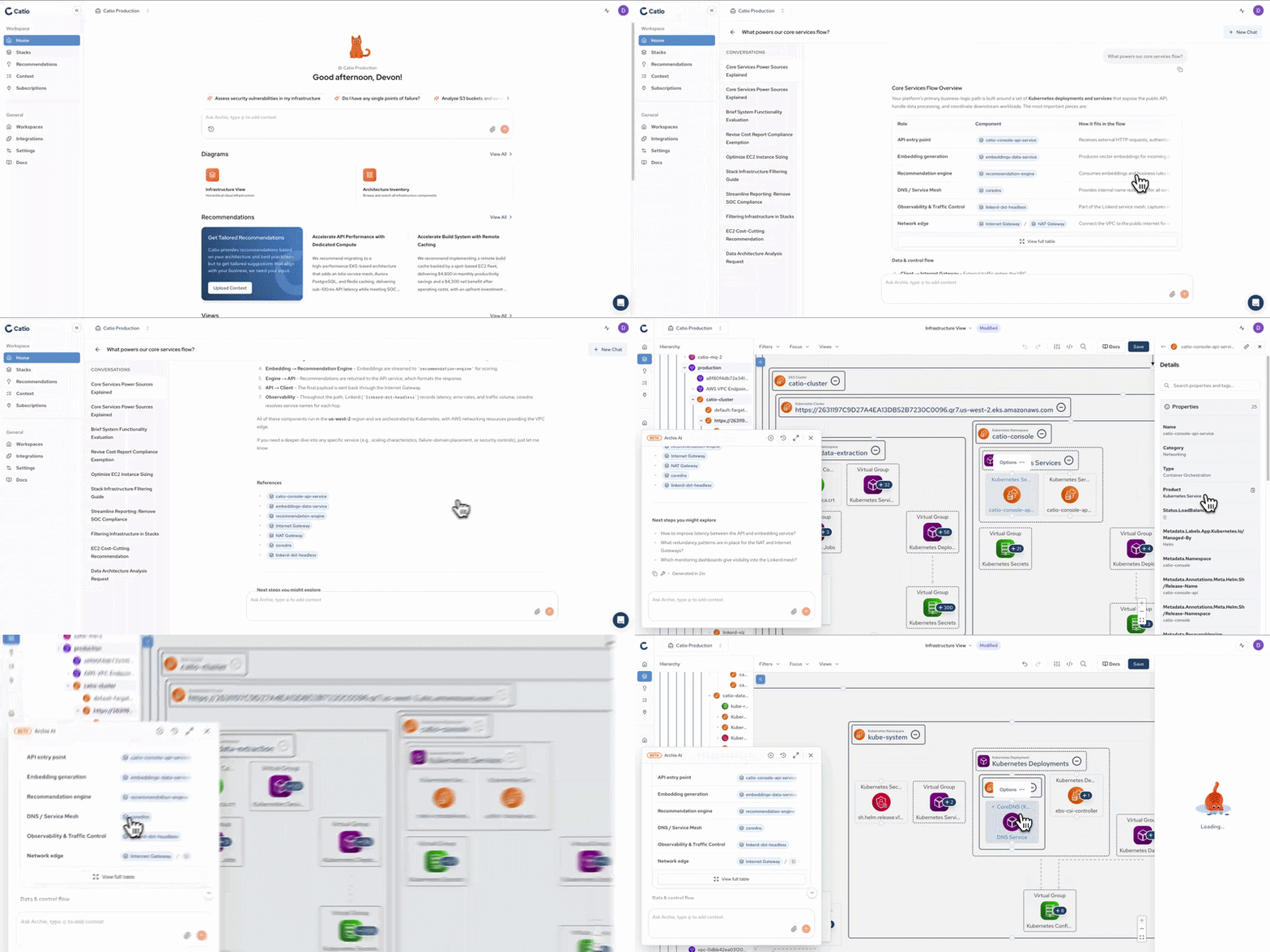
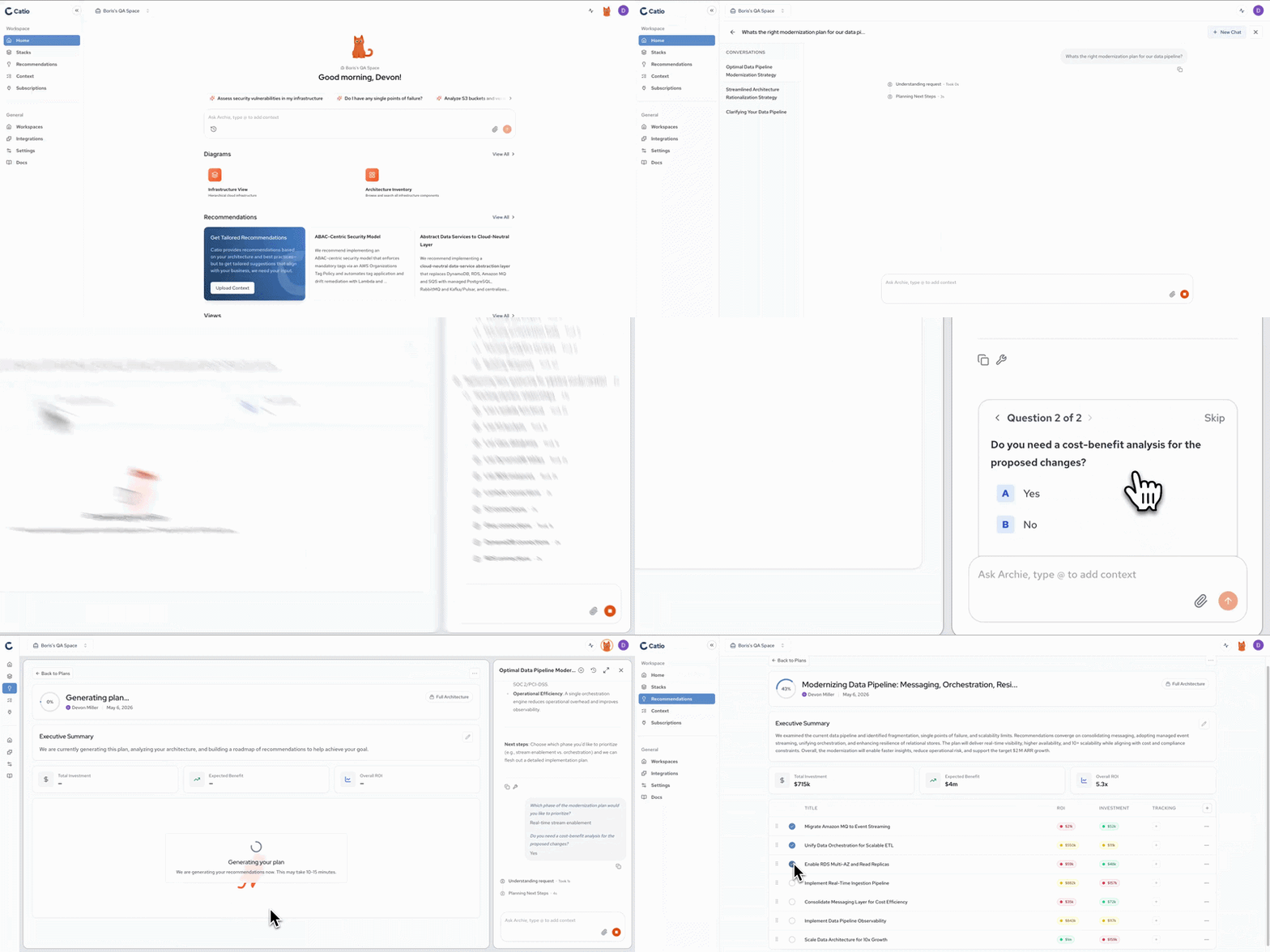
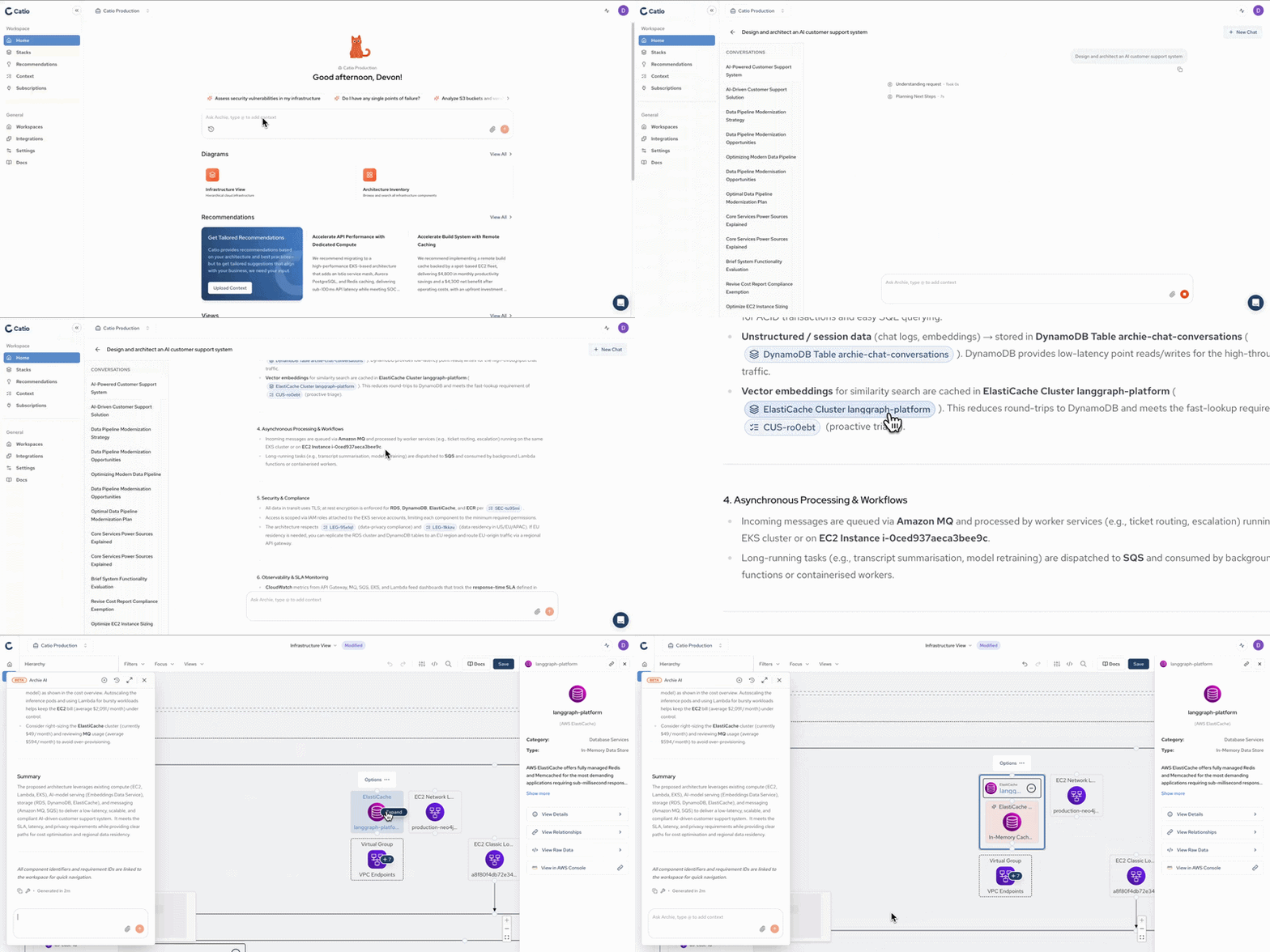
Catio is the Architecture IDE: the control plane for architecture decisions. It is a system of work for understanding your architecture, making system-level decisions, and keeping your stack aligned to intent as it evolves.
Who Catio is for
Catio is built for the people who own an organization's technical direction, and for the developers who build against it:
- Architects and tech leads: set strategy and guardrails, and govern by exception instead of reviewing everything by hand.
- Engineering leaders: get a live, shared model of the architecture instead of relying on whoever happens to remember how a system was built.
- Developers: ship against system-aligned designs in your own coding IDE, instead of guessing at how a feature should fit the rest of the system.
The Shift
AI made coding fast, which moved the bottleneck to architecture decisions. Code ships faster, and without a system for making those decisions, architecture drifts faster too. Catio is where the decisions get made and hold through execution.
Three problems compound without that system:
- Low visibility: technology investment decisions get made at the whiteboard, without current data on what the architecture actually is.
- Strategy and execution out of balance: most organizational energy goes to execution, so inadequate architectural strategy accumulates as technical debt.
- Tribal knowledge: architectural understanding sits with individual engineers rather than in a system of record, so planning is low-confidence and the knowledge leaves when they do.
How Catio fits
Catio works alongside the tools you already use, across two planes:
- Catio, the control plane: decide what to build and govern that it stays aligned to intent.
- Coding AI IDEs, the execution plane: build against Catio's system-aligned designs.
Architects and leads set strategy and guardrails, Catio generates system-grounded designs, developers ship them in their own IDEs, and architects govern by exception instead of reviewing everything. Catio does not operate your runtime systems, and it is not an observability or DevOps tool. It is the decision and design layer above them.
The shorthand for this operating model is Architect, then Ship.
The Loop
Everything in Catio runs one loop: Understand → Decide → Design → Execute → Compound.
- Understand: a live model of your architecture, built from your code, cloud config, and observability data.
- Decide: evaluate trade-offs and commit to ROI-optimized choices.
- Design: generate execution-ready designs, tailored to the feature and grounded in the whole system.
- Execute: teams and coding agents build against those designs.
- Compound: detect drift early, correct it, and feed it back into Understand so the model improves with every change.
The three outcomes
Once architecture decisions compound in one system, they serve three outcomes the business already pays attention to:
- Optimize your architecture: make the right high-stakes system decisions. Modernization stalls in its most expensive phase, which is understanding what you actually have. A live model compresses that phase and turns options into comparable trade-offs before spend is committed.
- Build to aligned specs: keep teams shipping at AI speed without architecture becoming the bottleneck. PRDs become system-aligned, ship-grade specs instead of review cycles. Developers ship in the IDEs they already use, and architects work exceptions rather than gatekeeping every change.
- Ensure it compounds: keep your system improving rather than drifting. Governing drift at the point of change converts an unbounded future liability into a bounded present cost, and the same record that catches drift also answers the auditor.
What you can do
- Plan a modernization: decide what to modernize, transform, or consolidate, with quantified ROI and risk before you commit spend.
- Generate a design: turn a PRD, feature, or ticket into a system-aligned, execution-ready design, then pull it into your coding IDE via the Catio MCP.
- Identify drift: see where execution has diverged from intent and keep the system aligned over time.
These surface as Blueprints: system-identified Recommendations (for modernization and drift) and user-initiated Designs (for new work), each with explicit ROI and trade-offs.
Meet Archie
Archie is your conversational entry point to the Architecture IDE. You start the way you would start at a whiteboard with a colleague: ask a real architecture question, and Archie reasons against your live system model and the memory of decisions you have already made, so its answers, options, and designs are grounded in your actual system rather than generic advice.
Conversation is where architecture work begins. Stacks and Blueprints are where it persists, once a question becomes a committed design or a tracked recommendation. See Who is Archie? for the full picture.
Where to go next
New to Catio? Start here:
- Quick Start: a walkthrough to get your first workspace running.
- Creating an Account: set up your Catio account.
Evaluating Catio? See what it does with your own architecture:
- Who is Archie?: how the conversational entry point works, and what it can see.
- Using Stacks to Investigate Your Architecture: explore a live model of an architecture in Catio.
- Blueprints: how Recommendations and Designs get generated, with ROI and trade-offs.
Setting up your workspace? Get your architecture model live:
- Create a Workspace: start a workspace for your team or system.
- What is an Integration: connect your systems so Catio can build a live model.
- What is Workspace Context: tell Catio what you are optimizing for.
Building as a developer? Take designs into your own IDE:
- MCP Setup: connect the Catio MCP to your coding IDE.
- Generating Architecture-Aware Code with Catio MCP: turn a Catio design into code that fits the whole system.
Updated about 2 months ago