

Delete a Workspace
Permanently remove a workspace and the boundary its work was scoped to.
Deleting a workspace removes the boundary that its Context, its subscriptions, its saved views, and its Blueprints were all scoped to. Treat it as closing out a decision rather than tidying a list, and confirm the decision the workspace supported is genuinely finished before you remove it. For what a workspace is a unit of, see What is a Workspace?.
To delete a workspace in Catio:
- Click Workspaces (under General) in the left side menu.
- Hover over the row of the workspace you'd like to delete, then click the ... that appears on the right side of the entry.
- Select Delete workspace.

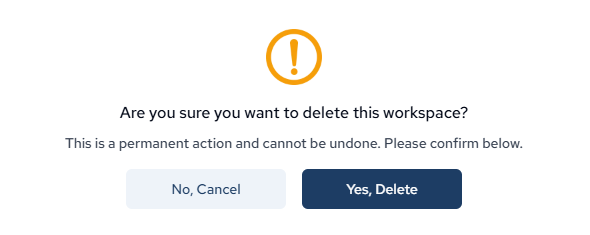
- In the confirmation modal that appears, click Yes, Delete to permanently delete the workspace.
Updated about 2 months ago
Did this page help you?