

GitHub Source Code Integration
Add source code so the architecture model includes business logic.
Catio integrates with GitHub, to incorporate source code into its architecture analysis. This integration improves the accuracy and completeness of the system models we build.
Source code provides implementation-level detail that is not available from infrastructure or observability data alone. It is used to:
- Derive a structured architecture representation from the codebase: services/modules, responsibilities, dependencies, integration edges, and (where possible) key runtime interactions.
- Enable architects to navigate the system by component, understand coupling/blast radius, and converge on sensible boundaries when docs are incomplete or stale.
- Link technical systems to business functionality by analyzing how features are implemented and referenced alongside existing documentation (e.g., architecture diagrams, product requirements documents)
- Resolve gaps between declared architecture and observed behavior
Getting Started
To setup a new source code integration, select New Integration on the Integrations page. Select GitHub Source Code, and follow the instructions.
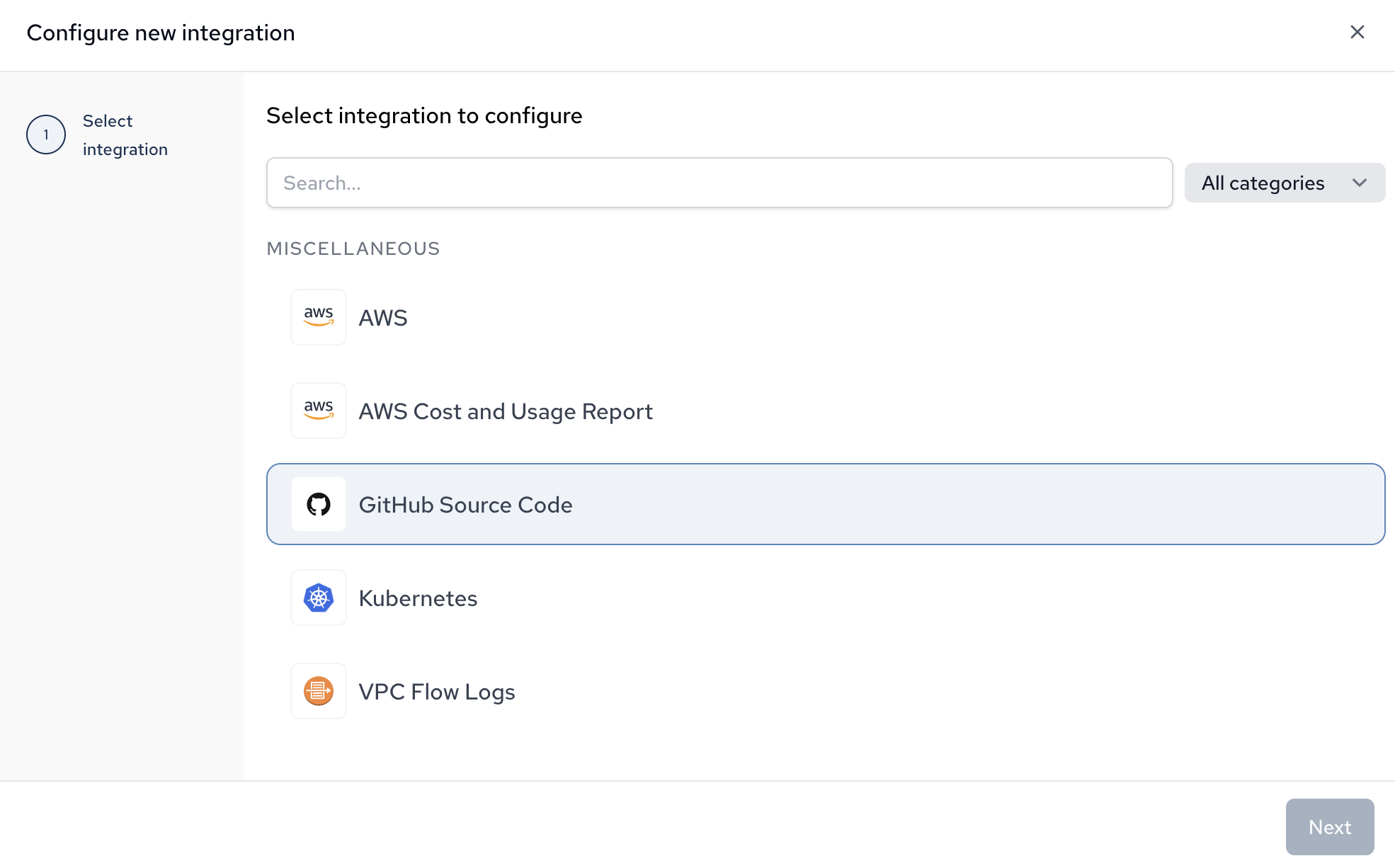
The wizard will kick you into GitHub to continue setup. Select the org you want to configure, and then select either "All Repositories" or "Only Select Repositories" to configure which repositories Catio should scan.
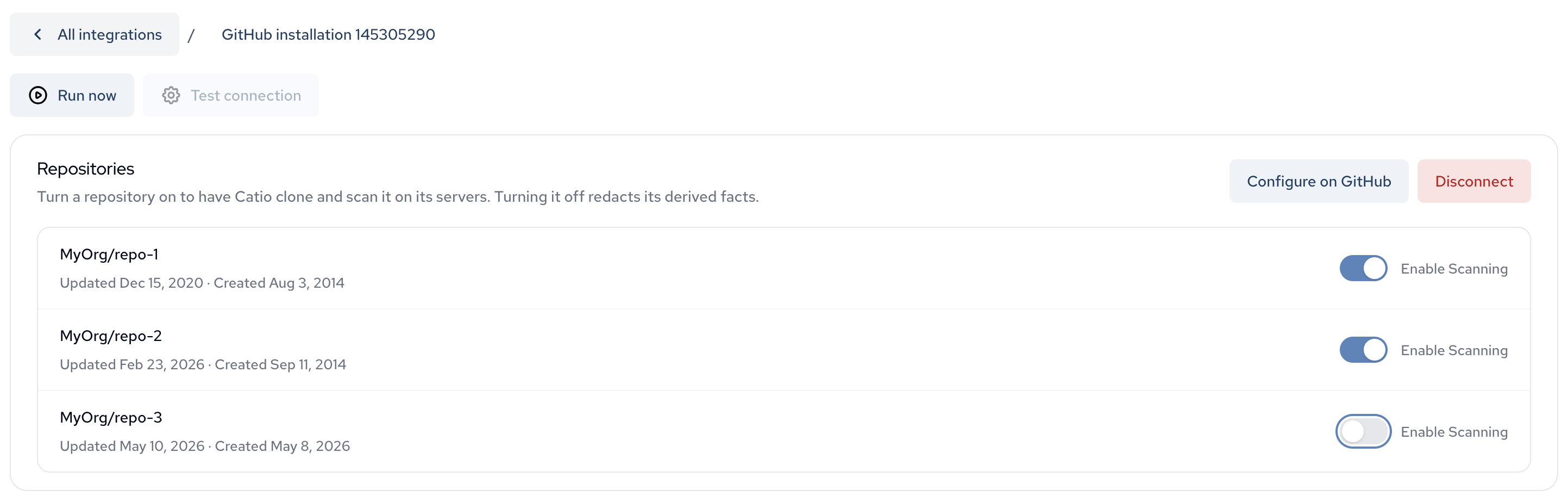
After the installation is complete, you will be redirected to the console. Under integrations, you will see the new GitHub connection. Select it and choose which repositories should be scanned to populate context.
Enabling scanning will queue the repo to be scanned during the next run, visible at the bottom of the page. Alternatively, click "Run Now" to kick off the integration immediately.
Updated about 1 month ago