

ROI Filter
Filter blueprints that already exist by category and ROI.
ROI is the number most likely to get quoted outside the room it was generated in, so it is worth knowing what it represents before you filter on it. For where blueprints come from, see Blueprints.
A blueprint's reported ROI is an aggregate, not a single figure. Each blueprint can contribute value across multiple benefit categories. Catio sums these into one total. For example, if a blueprint contributed a $10k cost reduction and $50k in avoided compliance risk, it would report a combined ROI of $60k.
ROI filters let you scope the Blueprints list to specific benefit categories so the list reflects the type of value you are evaluating. Filtering to Cost Performance isolates blueprints contributing cost reduction; filtering to Security and Compliance isolates those contributing risk reduction. This narrows a mixed list down to the blueprints relevant to a given objective or owner without changing the underlying blueprints themselves.
Filtering by category
On the Blueprints page, click Filters in the top right, then open the category filter.
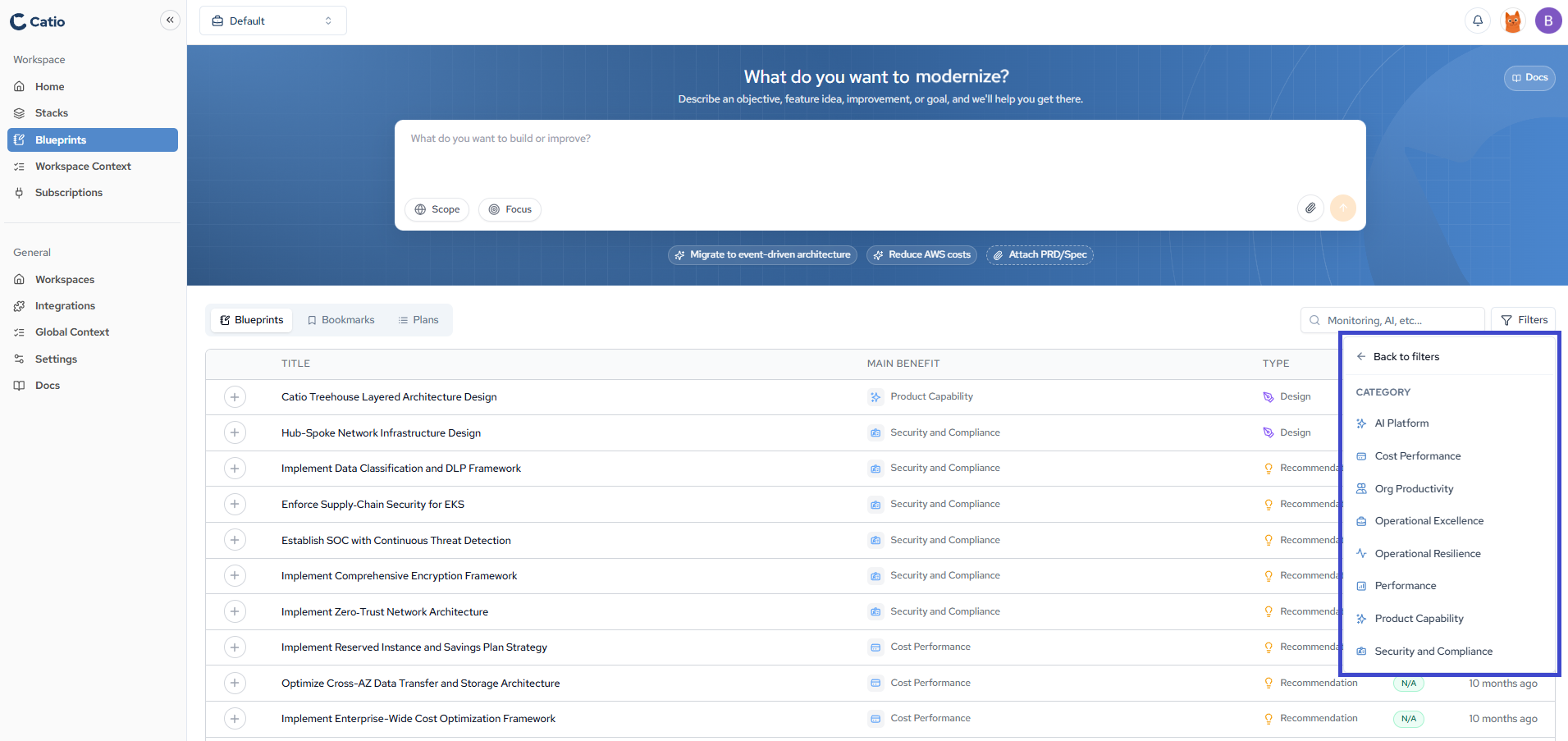
This opens the Category panel. It lists the eight categories a blueprint can contribute value toward:
- AI Platform
- Cost Performance
- Org Productivity
- Operational Excellence
- Operational Resilience
- Performance
- Product Capability
- Security and Compliance
Select the categories you care about to narrow the list to blueprints contributing value in those areas. A CFO might select Cost Performance to concentrate on cost reduction, while a CISO selects Security and Compliance to surface risk-reducing work. Use Back to filters to return to the full filter menu and combine category filters with the other available filters.
The Category filter applies to blueprints that already exist. To steer what Catio generates in the first place, use Focus, which offers a narrower set of six options at generation time.
Updated about 1 month ago