

Global Context
Organization-wide context Catio applies across every workspace.
Global Context is the organization-wide information Catio applies across every workspace. It works on the same principle as Workspace Context: you give Catio your constraints, goals, and requirements, and Catio uses them to shape its guidance. The difference is scope: Workspace Context applies to a single workspace, while Global Context applies to all of them.
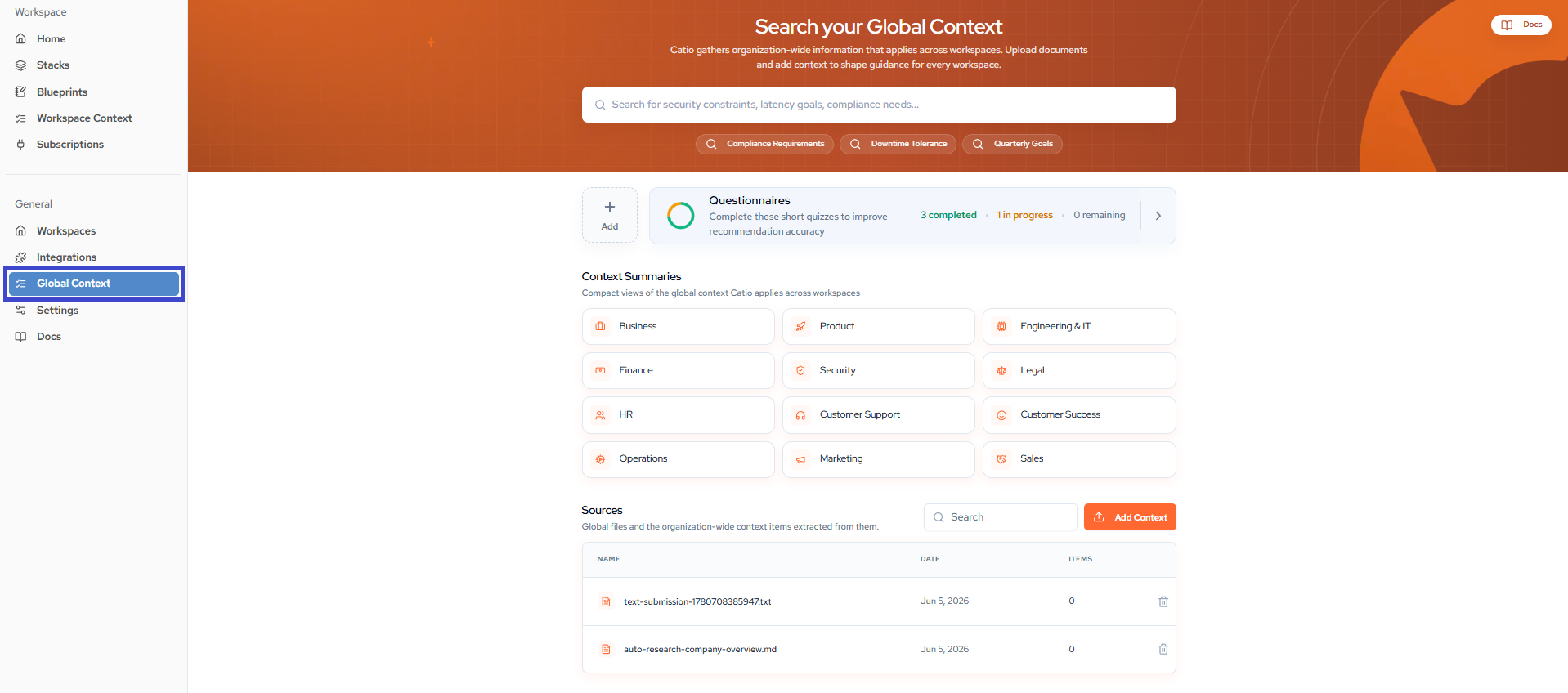
Searching your global context
The search bar at the top of the page queries everything Catio holds at the organization level: security constraints, latency goals, compliance needs, and more. Quick-search chips (Compliance Requirements, Downtime Tolerance, Quarterly Goals) jump straight to common topics.
For full search behavior, see Search Global Context.
Questionnaires
Questionnaires are short quizzes that sharpen the accuracy of Catio's recommendations. The card on the page tracks your progress across completed, in-progress, and remaining questionnaires.
See Questionnaires for the full list and how to complete them.
Context summaries
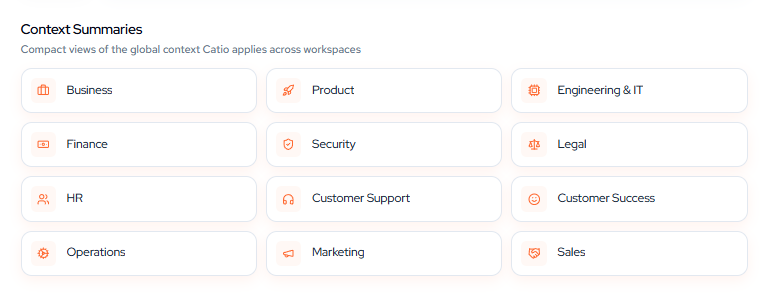
Context Summaries are compact, read-only views of the global context Catio applies across workspaces, grouped by category:
Business, Product, Engineering & IT, Finance, Security, Legal, HR, Customer Support, Customer Success, Operations, Marketing, Sales.
Select any category to review the context Catio has gathered for it.
Sources
The Sources table lists the global files you have added and the organization-wide context items Catio extracted from each one. Every row shows the file name, the date it was added, and the number of items extracted.
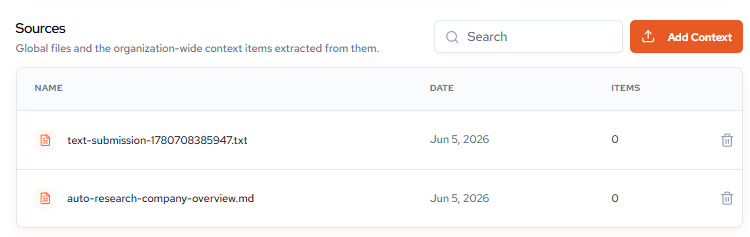
Select Add Context to add new global context through either tab:
- File Upload: upload a document for Catio to extract context from.
- Manual: enter a context description (up to 500 characters) and assign a category, then select Create Requirement.
Managing context
To remove global context you no longer need, see Delete Context.
Next
Context Best Practices — what belongs at the global scope versus the workspace scope.
Updated about 1 month ago